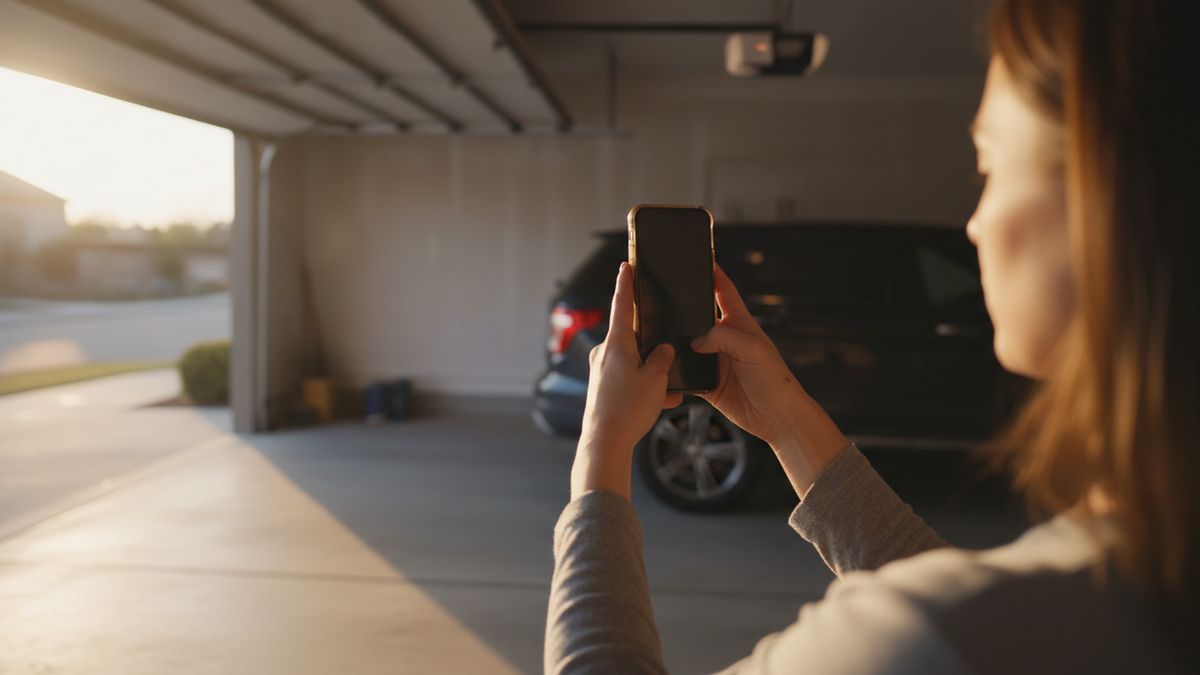
Why Does a myQ Opener Lose Its Connection?
Because the garage is the worst room in the house for Wi-Fi and the opener is the least forgiving device on the network. myQ is the Chamberlain Group platform used by LiftMaster and Chamberlain openers, and it works only on the 2.4 GHz band. Genie's Aladdin Connect and most other opener brands have the same limitation.
Modern routers broadcast 2.4 GHz and 5 GHz, often under one network name, and quietly steer devices to whichever band they think is best. During setup your phone can end up on 5 GHz while the opener can only hear 2.4 GHz, and the pairing fails without an obvious reason. A connection that worked for a year and then dropped after a new router or a firmware update is nearly always this.
Distance does the rest. A two-story Frisco house with the router in an upstairs study puts the opener 60 or 70 feet away through floors, drywall and the metal-skinned door. The signal that is fine for a phone at the kitchen counter is marginal at the ceiling of the garage.
The Checklist in Order
Run these in sequence and stop when the opener connects. Each step is a few minutes, and the order goes from most likely to least likely cause.
| Symptom | Likely cause | What to do |
|---|---|---|
| App cannot find the opener during setup | Phone is on 5 GHz, or the opener is not in pairing mode | Connect the phone to a 2.4 GHz network name, or split the bands in the router settings, then restart pairing |
| Setup finds the opener but fails at the password step | Wrong network chosen, special characters in the password, or a hidden network | Retype the password slowly, choose the 2.4 GHz name, and temporarily unhide the network |
| Worked for months, now shows offline | New router, changed password, or band steering enabled | Reconnect the opener to the new network from the app; disable band steering if the router allows it |
| Drops out when the car is parked inside | Weak signal, vehicle body blocking it | Move the router closer, add a mesh node or extender near the garage door to the house |
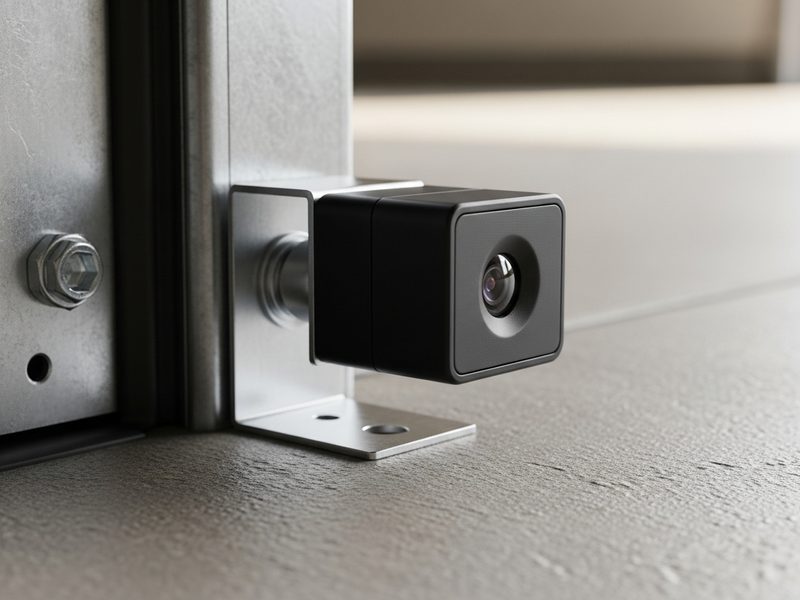
| Opens from the app but will not close | Photo eyes blocked or out of line | Clear the beam, align the sensors, wipe the lenses; the app is deliberately locked out until they agree |
| Wall button works, app and remotes do not | Logic board or radio receiver fault | This is hardware, not Wi-Fi; see below |
| Opener will not enter pairing mode at all | Failed Wi-Fi module or logic board | Hardware repair or opener replacement |
One detail catches many people out on the first row. Most Wi-Fi openers create their own temporary network during setup, and the app walks you across to it and back. If your phone's Wi-Fi settings are set to auto-join the home network, it can hop back mid-process. Turning off auto-join for a few minutes solves it.
Step One: Get the Phone and Opener on 2.4 GHz
The single most effective fix is to give the 2.4 GHz band its own network name. Log in to the router, find the wireless settings, and where the two bands share one name, rename the 2.4 GHz side to something like HomeWiFi-2G. Connect the phone to that name, then run the opener setup again from the start.
If the router or mesh system will not let you split the bands, most have a setting called band steering, smart connect or similar that can be switched off for the setup. Some apps also offer a temporary 2.4 GHz-only mode for adding smart home devices. Turn it back on afterwards if you like; once the opener has joined, it stays on the band it can hear.
Rebooting helps more than it should. Power-cycle the router, then unplug the opener for thirty seconds and plug it back in before trying again. Openers rarely get restarted and their Wi-Fi radios can sit in a stuck state for weeks.
Step Two: Fix the Distance and the Obstacles
Signal strength at the opener is what matters, and you can measure it. Stand under the opener with your phone on the 2.4 GHz network and look at the bars, or use the speed test built into most router apps. One bar means the opener will connect on a good day and drop out on a bad one.
The cheapest fix is to move the router toward the garage side of the house, even a room closer. The reliable fix is a mesh node or a plug-in extender on the wall between the house and the garage, ideally in a room that shares a wall with it. Placing an extender inside the garage itself is less helpful, because the extender then has the same weak signal to work with.
Two obstacles are specific to garages. An insulated steel door is a large metal sheet, and when it is open it sits directly beneath the opener, between it and much of the house. And a parked SUV is a second metal box in the same path. If the connection drops only when the door is up or the car is in, distance is your problem, not the opener.
Step Three: Pair the Opener Again From Scratch
When band and signal are sorted and it still will not join, remove the opener from the app and start over rather than retrying the failed setup. The general flow is the same across brands: put the opener into Wi-Fi learn mode using the button or button combination shown on the label under the light cover, wait for the indicator light to show it is ready, then follow the app.
The exact button press and the meaning of each light color vary by model and year, so check the label or the manual for your unit rather than a video for a different one. Holding the wrong button too long erases every paired remote, which then all need re-learning by pressing the Learn button and then the remote within thirty seconds.
Openers without built-in Wi-Fi can still be connected with a separate smart garage hub that mounts on the ceiling and talks to a tilt sensor on the door. It follows the same 2.4 GHz rule and the same troubleshooting order. If what you really want is a button in the car rather than an app, HomeLink's support page lists the opener brands it works with.
When It Is the Opener, Not the Wi-Fi
Three signs point at hardware rather than the network. First, the opener will not enter pairing mode at all: no light change, no temporary network appearing on your phone. Second, the remotes have also stopped working while the hardwired wall button is fine, which points at the radio side of the logic board. Third, the opener behaves oddly in other ways too, opening on its own or losing its travel limits.
The Wi-Fi radio lives on the logic board in most units, and the board is the component most sensitive to heat and to power surges. A garage ceiling in a Frisco August runs far hotter than the living space below, and a spring lightning storm can end a board in an instant. Our guide to logic board failure symptoms and the board-versus-new-opener decision covers the diagnosis in detail. If the opener also refuses to close, check the sensors first; Chamberlain's troubleshooting guide covers a dark or flickering LED.
The logic board sits next to mains wiring and a capacitor that holds a charge after the power is off. If the checks above point to hardware, unplug the opener and call. We test the board and radio on site and quote the fix before touching anything.
If the door will not open at all and a car is trapped behind it, that is an emergency call rather than a Wi-Fi problem. Repairs on a sound opener run $145 to $325. If the unit is more than about twelve years old, that money usually goes further toward a new belt drive with Wi-Fi built in, and our Frisco opener repair and replacement service will tell you honestly which side of that line your unit is on. Choosing between drive types is covered in our belt versus chain versus wall-mount comparison.
Keeping It Connected Once It Works
Once the opener is online, three habits keep it there. Write the 2.4 GHz network name and password on a card inside the light cover, so a future router swap does not become an afternoon of guessing. When you replace the router, keep the same network name and password and the opener will rejoin on its own. And leave the opener plugged into a surge protector rated for motors, which protects the board that the Wi-Fi radio depends on.
We field these calls from every part of Frisco, from the newer streets along Lebanon Road to the older subdivisions like The Trails where the openers are now on their second router. If the checklist did not solve it, the Frisco garage door repair team at Marlowe can be at the house the same day, and a sensor or board problem is usually fixed in one visit.
myQ and Wi-Fi Opener Questions
Does myQ work on 5 GHz Wi-Fi?
No. myQ openers and the myQ hub connect only on the 2.4 GHz band. If your router combines both bands under one name, either give the 2.4 GHz band its own name or connect your phone to a 2.4 GHz-only network during setup. After pairing, the opener stays on 2.4 GHz by itself.
Why does my myQ opener keep going offline?
Weak signal is the usual reason. The garage is far from the router and a steel door or a parked vehicle blocks the path. A mesh node in the room next to the garage fixes most of it. If it went offline after a router change, reconnect it to the new network from the app.
My app opens the door but will not close it. Is that a Wi-Fi problem?
No. The app refuses to close the door when the photo eyes are blocked, dirty or misaligned, and the opener light usually flashes. Clear anything in the beam, wipe both lenses and check that the two sensors face each other squarely. If the light still flashes, the sensors or their wiring need service.
Can an old garage door opener be made Wi-Fi compatible?
Usually yes. A smart garage hub mounts near the opener and connects to it either by wire or by the same signal a remote uses, with a tilt sensor on the door reporting open or closed. It needs a 2.4 GHz network like everything else. Openers made before 1993 without photo eyes should be replaced instead.